Constantin, EasySubmits founder
Quick answer
Directory listing SEO starts with an accurate product name, a relevant category, clear descriptions and a working website link. Write for someone comparing products, then keep the information consistent with your site. Repeating keywords across every field is not a useful substitute.
Write for the person comparing products
A directory visitor is usually trying to understand what a tool does and whether it fits a need. Your listing has to answer that question before it can earn a useful click. Start with the main use case and the intended user, then explain what happens when someone uses the product.
Do not assume visitors have read your homepage. A phrase that works inside a familiar brand campaign can be unclear in a category containing dozens of products. The listing should stand on its own, with a plain product description rather than a slogan that could belong to any SaaS.
Pick one real reason someone would choose the product. It might be a workflow, an integration or a specific audience you serve. Explain that detail without claiming to be the best, the only option or the fastest unless you have evidence you can substantiate.
This is a practical copy task, not a way to control a directory's ranking algorithm. Different platforms use different fields and review processes. Your immediate goal is accurate information that helps a person decide whether to visit your website.
Keep the product name and URL consistent
Use the actual product name in the name field. Adding category keywords, pricing claims or promotional text can make the listing look like a different product and can conflict with platform rules. If the directory gives you a separate tagline, put the explanation there.
Choose a stable public website URL. Check that it loads, uses the intended domain and does not send visitors into a broken page or a temporary campaign redirect. If the product has several landing pages, use the one that matches the listing's purpose and the platform's instructions.
Store the chosen name and URL in a reusable brief. This avoids small inconsistencies when several people prepare submissions or when an agency works from an old message. A domain change or rebrand should trigger an update to the brief and the existing listings.
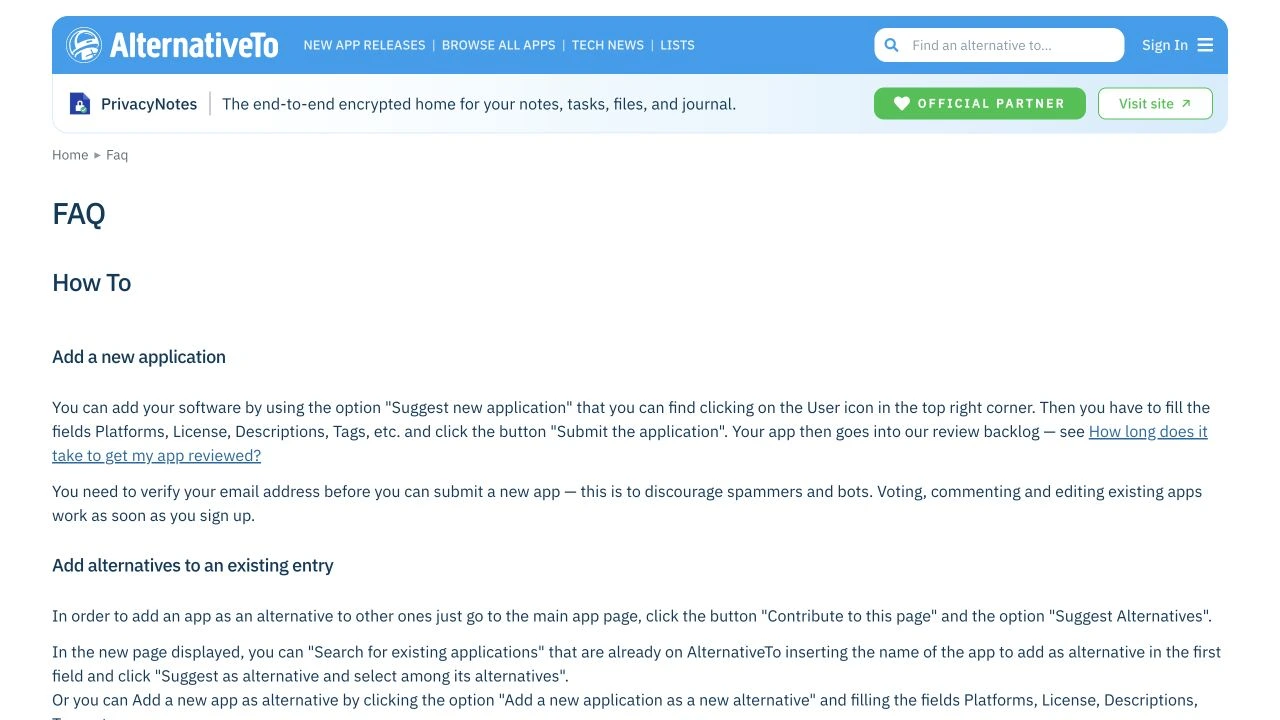
Use the directory's edit or claim process if an entry already exists. Making a duplicate page can split product information and leave outdated descriptions visible. Our submission workflow includes a simple tracker for owners and live listing URLs.
Choose the category your customer would expect
A category is part of how a visitor finds and compares products. Choose the one that describes the main task your software handles. A product can have several features, but placing it in every loosely related category can make the listing harder to interpret.
Read the neighboring listings before deciding. If the category mostly contains a different type of software, look for a better fit rather than forcing your product into a high-traffic section. A directory may also require specific platforms or product types, so check those rules as well.
Use accurate tags when the platform supports them. Tags can help explain a niche audience or secondary workflow, but they should describe features that exist. A long list of fashionable terms does not make a product more relevant and can mislead someone comparing options.
Record the category choice in your submission brief, along with a short explanation if it is not obvious. Future edits become easier when the next person understands why the product belongs there. If the product changes substantially, revisit the category rather than simply adding more tags.
Prepare descriptions at different lengths
Write a short tagline, a concise overview and a longer description before opening forms. Each version should tell the same story at a different level of detail. This is faster than repeatedly shortening a paragraph under a field limit and accidentally removing the most useful information.
For a hypothetical support tool called Queueboard, a short description might be: “A shared inbox for small customer support teams.” A longer version could explain that teammates assign conversations, leave internal notes and see which requests still need a reply. Those are illustrative examples, not claims about an existing product.
Use the destination's actual character limits. Product Hunt's official preparation guide sets different limits for its tagline and description, while other platforms have their own forms. Do not treat a length used by one launch site as a rule for every directory.
Put the audience and main task early. Save background history, broad positioning and secondary features for a longer field if they are useful. A clear description still makes sense when a category page displays only its first sentence.
| Field | What to include | Example for a fictional product |
|---|---|---|
| Product name | Actual brand name | Queueboard |
| Tagline | Audience and main use case | Shared inbox for small support teams |
| Short description | What the user can do | Assign conversations and track unanswered requests |
| Long description | Workflow, features and relevant limits | Explain assignments, internal notes and supported channels |
Use keywords where they explain the product
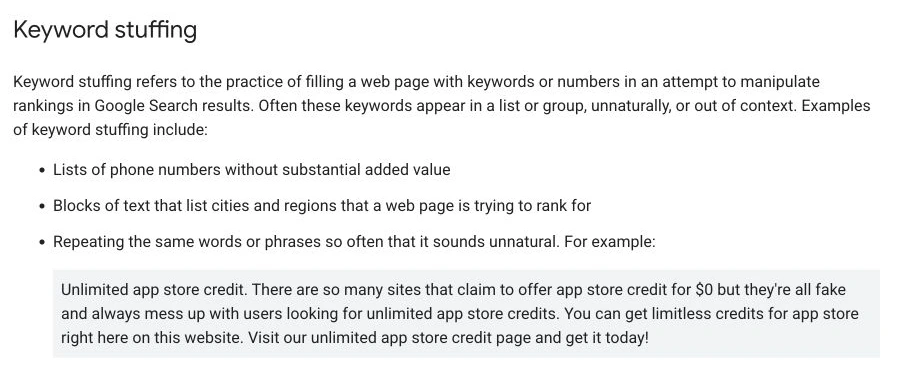
Use category language naturally when it names the thing you have built. A shared inbox should be called a shared inbox. A scheduling tool should explain what it schedules. There is no need to hide the main product type behind abstract wording that a potential customer would not search for or recognize.
Avoid repeating the same phrase in every sentence. Product name, tagline and description each have a different job. If all three contain an identical string of keywords, they give the reader less information than a simple explanation of the workflow.
Google's SEO starter guidance focuses on useful content and understandable text rather than a magic keyword count. That general principle is helpful here, although it does not tell you how a particular directory orders its own listings.
Read the listing aloud after drafting. If a phrase sounds unnatural or only exists to fit another keyword, remove or rewrite it. Your directory resource and product website can give visitors more detail after the listing explains the basic fit.
Make screenshots explain the workflow
Choose screenshots that show the product doing something relevant to the description. A dashboard can be useful if the main workflow is visible, but a screen full of unrelated sample numbers may not answer a visitor's question. The image should help someone understand the next step after reading the tagline.
Use current screens and remove private customer data. Avoid showing account emails, payment details or conversations you do not have permission to publish. If you use sample data, make it appropriate to the product and do not present it as a real customer result.
Check the directory's accepted file types, dimensions and upload limits. Export a clean logo separately from screenshots, because the platform may place the logo in a small square or circular shape. A long wordmark can become difficult to read at that size.
Preview the finished listing on a small screen if possible. Confirm that captions are readable, images are not stretched and the important part of the screenshot survives the crop. These checks improve the explanation; they do not need a claim about image-based ranking signals.
Be specific about pricing and features
Describe the pricing model accurately: free, freemium, subscription, usage-based or a one-time purchase, depending on what the product actually offers. Do not call a paid product free just because a trial exists. If the directory has separate pricing fields, use them as intended and check that they agree with the description.
List features that are available now. Planned integrations, features behind a waiting list and owner-only workflows should not be presented as generally available. An accurate limitation can help the right visitor choose the product and avoid a disappointing signup.
If a price changes frequently, consider whether the platform allows a link to the current pricing page rather than a fixed amount in the description. Follow the form's rules and maintain any required number. A product brief that records when pricing was last checked makes this easier.
Keep proof specific as well. Do not add a rating, customer count or testimonial unless it has a reliable source and can be represented accurately. A software directory may manage reviews independently, so your submission should not pretend you control that score.
Review links and the visitor journey
A useful listing ends with a sensible next step. Check where the main website link sends someone and whether that page continues the same explanation.
Where the platform allows supporting URLs, use documentation, demos or pricing pages that help a visitor assess the product. Do not add links merely to fill every field. A broken support link can undermine an otherwise clear listing.
Link attributes and listing copy are separate matters. Use the directory link building guide if you are checking a backlink. The copy should stay useful whether the directory marks its link as nofollow, sponsored or a normal link.
If you measure visits from the listing, use a consistent method and avoid assuming perfect attribution. Some sites rewrite or remove tracking parameters. Judge the visitor journey from actual behavior as well as the neatness of the tracking spreadsheet.
Maintain a listing register after submission
Save the live listing URL, owner account, category, description version and last review date. You can use the same spreadsheet that tracks submissions, adding fields once the page is approved. Keep account recovery details in an appropriate password manager rather than in a publicly shared sheet.
Review the entry when you change important product details. A rebrand, domain move, pricing update or removed integration is a stronger reason to revisit a listing than an arbitrary daily check. Make the product brief the source of truth so the next edit uses current information.
Track changes that need approval separately from changes already visible on the public page. A saved form can still be in moderation. Check the published URL when the platform notifies you and note any field it did not update.
If someone else manages submissions, ask for a handoff that makes this register usable. The purpose is to keep product information accurate over time, not simply prove that a large number of forms were completed on one date.
Use a final listing checklist
Before submitting, take a final pass through the fields as if you know nothing about the product. Can you identify its audience and main purpose? Does the category fit? Is the URL correct? Are the screenshots and pricing consistent with what a visitor will find on your website?
Check spelling, punctuation and field limits without polishing the description into vague marketing copy. Keep ordinary words for ordinary functions. If the product imports invoices, say that; do not replace it with a claim about transforming business operations.
After submission, record the confirmation and any owner action in the tracker. When the listing appears, repeat the link and copy checks on the public page. That gives you a maintained product entry rather than a form submission you never look at again.
If you want help with the form-filling work, compare the EasySubmits packages. A prepared listing brief makes either route easier: you can submit yourself with the directory list, or hand over accurate product details for manual submission.
- Actual product name and stable website URL.
- Accurate category, platforms and pricing model.
- Descriptions that explain audience and workflow.
- Current logo and screenshots with no private data.
- Submission status, owner actions and live listing URL recorded.
Questions and answers
It is the work of making a product listing accurate, understandable and relevant to its category. That includes the name, URL, descriptions, images and ongoing updates.