Constantin, EasySubmits founder
Quick answer
To submit your site to directories, choose sites that fit your product, prepare one accurate listing brief, fill out each form and track what happens next. Track each submission through to publication.
Start with a small, relevant directory list
Start with a shortlist you can actually work through. A project management app, an AI image tool and a developer API do not need the same collection of websites. Look for directories where a potential customer could reasonably search for your type of product, then check the submission requirements before spending time on the form.
Our SaaS directory resource gives you a starting point. For each candidate, open a few existing listings, check whether the categories fit your software and find the official submission route. A working homepage alone does not prove that a directory currently accepts new products or that its free option includes everything you need.
Avoid turning a directory count into a goal by itself. Ten complete listings that describe the product properly are easier to manage than dozens of rushed forms with inaccurate categories. You can add more destinations after the first batch, once you know which assets are repeatedly requested and which websites are worth maintaining.
If you already have a list, sort it into clear groups: software reviews, product discovery, startup directories and niche communities. This makes it easier to write the right description for each audience without changing what your product does.
Prepare a reusable listing brief
Keep a single document with the details you expect to paste into forms. Include the product name, canonical website URL, a short tagline, longer descriptions, product category, pricing model, supported platforms, logo, screenshots and a contact email you can monitor. Use a shared document or plain spreadsheet; you do not need a dedicated tool to start.
Prepare several description lengths rather than one paragraph you keep cutting mid-sentence. A useful set is a short tagline, a two-sentence overview and a longer description explaining the main workflow. These are your own reusable templates, not universal character limits. Always follow the limits shown on the destination form.
Check that the logo stays readable at small sizes and that screenshots show the current product. Crop out personal information, test data and unrelated browser tabs. A reviewer should be able to connect the name in the form with the product on your homepage without guessing.
The directory listing SEO guide explains how to write these fields. Keep the source brief accurate when your pricing or features change, so your next submission does not quietly reintroduce an outdated claim.
Check eligibility before creating an account
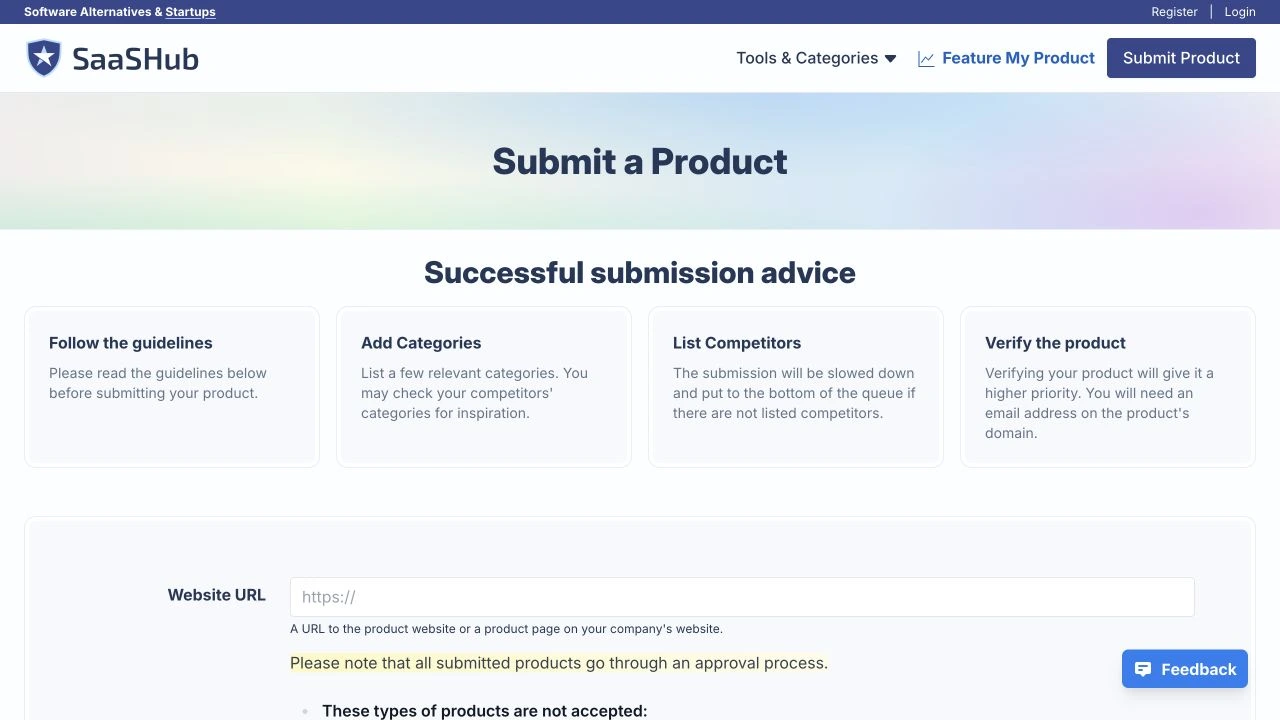
Read the directory's product rules first. Some focus on web software, while others accept mobile apps, open-source projects, browser extensions or companies rather than individual products. A category that sounds close is not enough if the submission criteria exclude what you have built.
Look for an existing listing before adding a new one. Search the directory for your product name, brand name and website domain. If someone has already added it, use the official claim or edit process instead of creating a second entry. Keep a note of who controls the account so a teammate can update it later.
Submission and review are separate steps. AlternativeTo's official FAQ, for example, explains that a suggested application enters a review backlog and that an email address must be verified before submission. Those are platform requirements, not reasons to keep resubmitting the same product.
Use an email address tied to your business when appropriate, and enable two-factor authentication where available. Never give a third party your personal email password just to complete directory forms. If a platform requires an owner-only action, put it on a short handoff checklist.
Fill in each form with the right level of detail
Open the official submission page and work through the required fields carefully. Copy the factual details from your brief, then adjust the explanation for the directory's audience. A developer-focused directory may need the API use case; a general software directory may need the business problem and pricing model.
Keep the product name as the actual name. Do not append a string of keywords or rename the product to sound like the category. Choose the closest accurate category, write a useful description and provide the normal public product URL. If the directory needs a demo or documentation page, use a stable link that visitors can open without your account.
Preview every upload before submitting. A logo can look fine in your folder but become unreadable in a circular thumbnail. Screenshots may need a different crop, and the form may truncate long captions. Fix these problems while the submission is still editable.
Review contact details, links and pricing one last time. Save any confirmation message and note whether the platform sends a verification email. A form that appears to finish can still be waiting for an email click or an account setup step.
- Use the product name shown on your website.
- Select the category that describes the main use case.
- Use descriptions that fit the actual field limits.
- Check uploads and links in the preview.
- Record any remaining owner or email-verification step.
Keep a product launch separate from directory submission
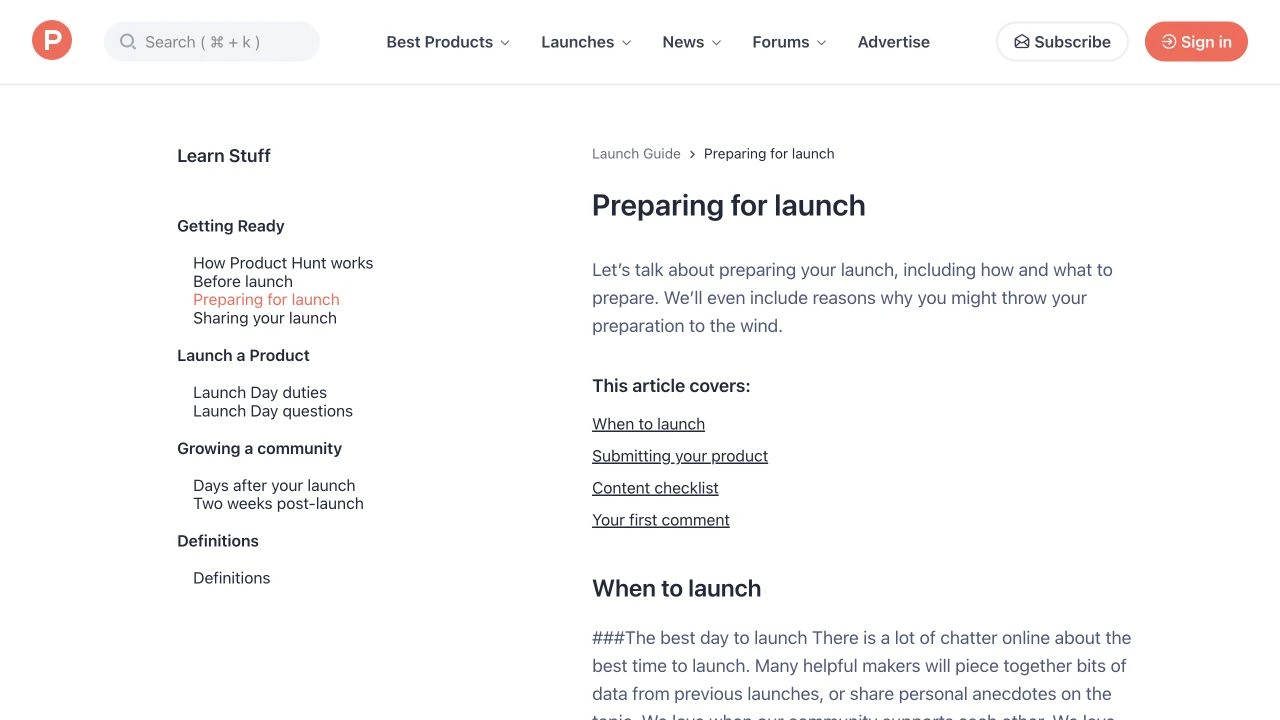
A directory listing and a coordinated product launch are different tasks. Some websites let you add a product quietly; others involve a scheduled launch, a maker profile, comments and time spent responding to people. Put those destinations in a separate section of your plan so they do not get treated like ordinary forms.
Product Hunt's preparation guide is a useful example of a launch workflow. It asks for a clear product name, tagline, description and gallery assets. Read its current instructions rather than assuming the same assets and timing work for every launch platform.
EasySubmits does not submit to Product Hunt for you. If you want to launch there, keep that decision and timing with the founder or team who will answer questions. You can still use the descriptions and screenshots prepared for other directories, but check the launch platform's own format requirements.
This distinction also helps you evaluate paid help. Ask what the service will submit, which platforms require you to act yourself and what the final report contains.
Track submitted, pending and approved listings
Give each directory a row in a spreadsheet. Record its name, submission URL, account owner, submission date, status, live listing URL and notes. Keep the statuses simple enough that someone else can understand them: not started, waiting on you, submitted, approved, rejected or needs an update.
Do not mark a row approved because the form was accepted. Approval means you have found the public listing and checked that its information is correct. A confirmation email may say only that the platform received your request, while a private account page may show a draft that visitors cannot see.
Keep the live listing URL once it exists. That is the page you will revisit if the logo, pricing or product name changes. It is also more useful than a screenshot of a submitted form when you want to confirm whether a backlink or referral link actually exists.
Add a next-action date when a directory gives you a specific review window or asks for more information. A clear tracker prevents impatient duplicate submissions and makes the final handoff much easier.
| Status | What it means | Next action |
|---|---|---|
| Submitted | The platform received the form | Watch for verification or review messages |
| Waiting on you | An owner action is still required | Complete the requested step |
| Approved | A public listing is available | Check the copy and save its URL |
| Rejected | The platform declined the submission | Read the reason before doing anything else |
Review the listing after it goes live
Open the published listing as a visitor, ideally without being logged into its account. Check the product name, category, description, logo and outbound link. A typo in the account dashboard can persist on the public page, and an edit you saved may still be waiting for moderation.
Click through to your website and confirm that the destination works. If you changed domains or moved a landing page, update the listing rather than letting users hit an error or a long chain of redirects. Use a stable product page instead of a temporary campaign page unless the directory specifically requires something else.
If you are reviewing backlinks, inspect the actual published link rather than relying on a directory's reputation. Sites can mark links as sponsored, nofollow or user-generated content. The directory link building guide explains how to interpret those attributes without confusing them with approval or traffic.
Keep evidence modest and useful: the listing URL, the date you checked it and any issue that needs fixing. You do not need a folder of screenshots for every routine update. The tracker should help you maintain accurate listings, not become another project to manage.
Measure visits and customers, not just listing totals
Decide what a useful result looks like before you evaluate the batch. For a SaaS founder, that might be qualified visits, trial starts, demos or paying customers. A listing can be worth keeping because buyers use it, even when it does not change a third-party backlink score.
Look at referral traffic and completed conversions when your analytics setup supports them. If a directory allows tracking parameters, use a consistent naming scheme and keep the destination readable. Some directories remove parameters, so do not assume every visitor will be attributed perfectly.
You can also take an initial backlink benchmark with our free DR checker. Treat the score as one piece of context.
Review which destinations brought useful visitors and which required disproportionate maintenance. Use those observations to prioritize the next batch instead of buying or collecting more listings automatically. Search performance takes time to assess, so avoid declaring success or failure from a single day of data.
Manual directory submission or DIY?
DIY makes sense when you have time, want direct control of each account and are still learning which audiences respond to the product. The reusable brief and tracker reduce repeated work. Start with a manageable batch, then update the source document as you discover better ways to explain the product.
Manual directory submission means a person prepares and sends each listing through the directory’s submission process. They choose the relevant category, adapt the description to the form and record where the product was submitted. It takes the form filling off your hands while keeping the product details specific to each listing.
Before handing over the work, prepare your product URL, descriptions, logo, screenshots and pricing. Agree on the submission scope and the report you will receive. Keep an owner email available for verification messages and retain access to any accounts created for your product. Track submissions and published listings separately so you can follow up on pending reviews.
EasySubmits offers a DIY list and manual submission packages. The product details stay with you; the manual service handles relevant directory submissions and provides a report. Approval decisions and publication schedules remain with each directory.
Whichever route you choose, keep access details, the listing brief and the submission tracker somewhere your team can find them. A good batch should leave you with accurate listings you can maintain, not a pile of forgotten accounts and uncertain links.
Questions and answers
Preparing your assets and completing forms depends on the number of destinations and their requirements. Approval is a separate process controlled by each directory. Keep submission dates and any stated review windows in your tracker instead of treating a finished form as a published listing.